EN
EN
 AR
AR CS
CS NL
NL FR
FR DE
DE IT
IT JA
JA KO
KO PL
PL PT
PT RU
RU ES
ES UK
UK TH
TH TR
TR


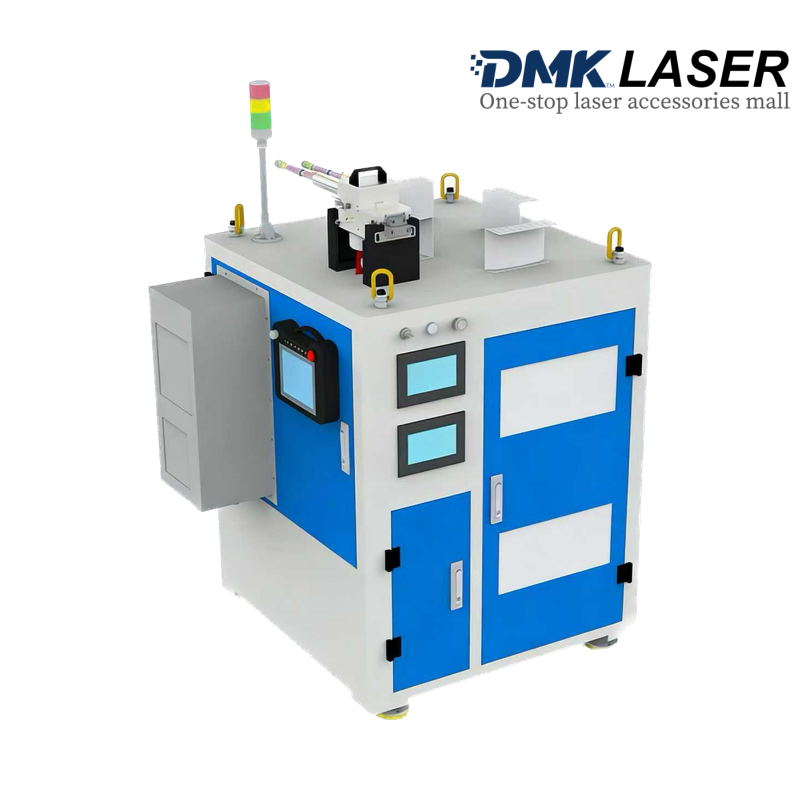
Laser Composite Cleaning Equipment
Product Description
Product Parameters
| Parameter Item | Detailed Description |
|---|---|
| Product Model | SLCHY-500-3000 |
| Laser Classification | Class IV |
| Operating Wavelength | 1064nm, 1080nm |
| Laser Output Mode | Pulsed laser + Continuous wave laser |
| Laser Average Power | 500W (pulse) + 3000W (continuous) |
| Power Adjustable Range | 10% ~ 100% |
| Laser Frequency | 5kHz ~ 200kHz(adjustable) |
| Laser Pulse Width | 350ns |
| Scanning Speed | 9m/s |
| Scan Width | 5mm ~ 150mm(adjustable) |
| Scan Length | 20mm |
| Filling Width | 10mm |
| Field Lens Model | F160/F210/F254/F330(optional) |
| Focal Length | Approximately 160mm(F160 field lens) |
| Focusing Distance | Around 190mm(F160 field lens) |
| Fiber Length | 10m |
| Minimum Fiber Bend Radius | ≥150mm |
| Cooling Mode | Water cooling + Industrial Air Conditioner |
| Power Supply | Three-phase five-wire system AC380±10%V, 50Hz |
| Total Power Consumption | ≤15kW |
| Working Temperature | 0℃ ~ 40℃ |
| Storage Temperature | -10℃ ~ 60℃ |
| Operating Interface | 7-inch touch screen |
| Air Supply Requirement | 0.4-0.6Mpa(φ6mm tracheal connector) |
Other Details
Safety Precautions
-
Personnel Requirements:Only trained and authorized personnel are allowed to operate the equipment. Operators must wear EU EN207:2009/AC2011&CE certified laser protective glasses (190~400nm&800~1100nm waveband protection) during operation and are prohibited from looking directly at the laser output head.
-
Environment Requirements:Keep the equipment away from flammable and explosive materials; ensure a 10cm ventilation distance around the chassis; maintain environmental cleanliness to avoid lens contamination.
-
Emergency Operation:The red mushroom-shaped emergency stop button is located on the right side of the operation panel. Press it immediately in case of abnormalities, then release the light control button and turn off the power. Rotate the button clockwise to reset.
-
Power Operation:Check that the light output button is off before powering on; do not point the laser output head at people or flammable objects. Stop cleaning before shutting down the equipment.
Operation Procedures
-
Pre-inspection:Check equipment appearance, cable integrity, lens condition, and emergency stop switch status.
-
Power-on:Connect the 380V AC power supply, turn on the chassis power switch and start button, wait for the system to boot into the operation interface.
-
Unlock & Parameter Setting:Enter the password "9527" to unlock; select a process from the process library or adjust parameters (power, frequency, scan width, etc.).
-
Focusing:Adjust the distance between the field lens and the workpiece to around the focusing distance (e.g., 190mm for F160 field lens) to find the focal position.
-
Cleaning:Enable red light guidance and laser output, move the cleaning head 1-3mm away from the workpiece, adjust the moving speed according to contamination level.
-
Shutdown:Turn off laser output, close the operation interface, switch off the chassis power, and cover the lens protective cover.